Inside COT Screener
Market coverage: the majors and the full catalog
The CFTC publishes positioning for over 360 futures markets. Reading them all every week is nobody's routine. COT Screener splits the universe in two: a curated page for the markets that matter to most traders, and a complete catalog for everything else.
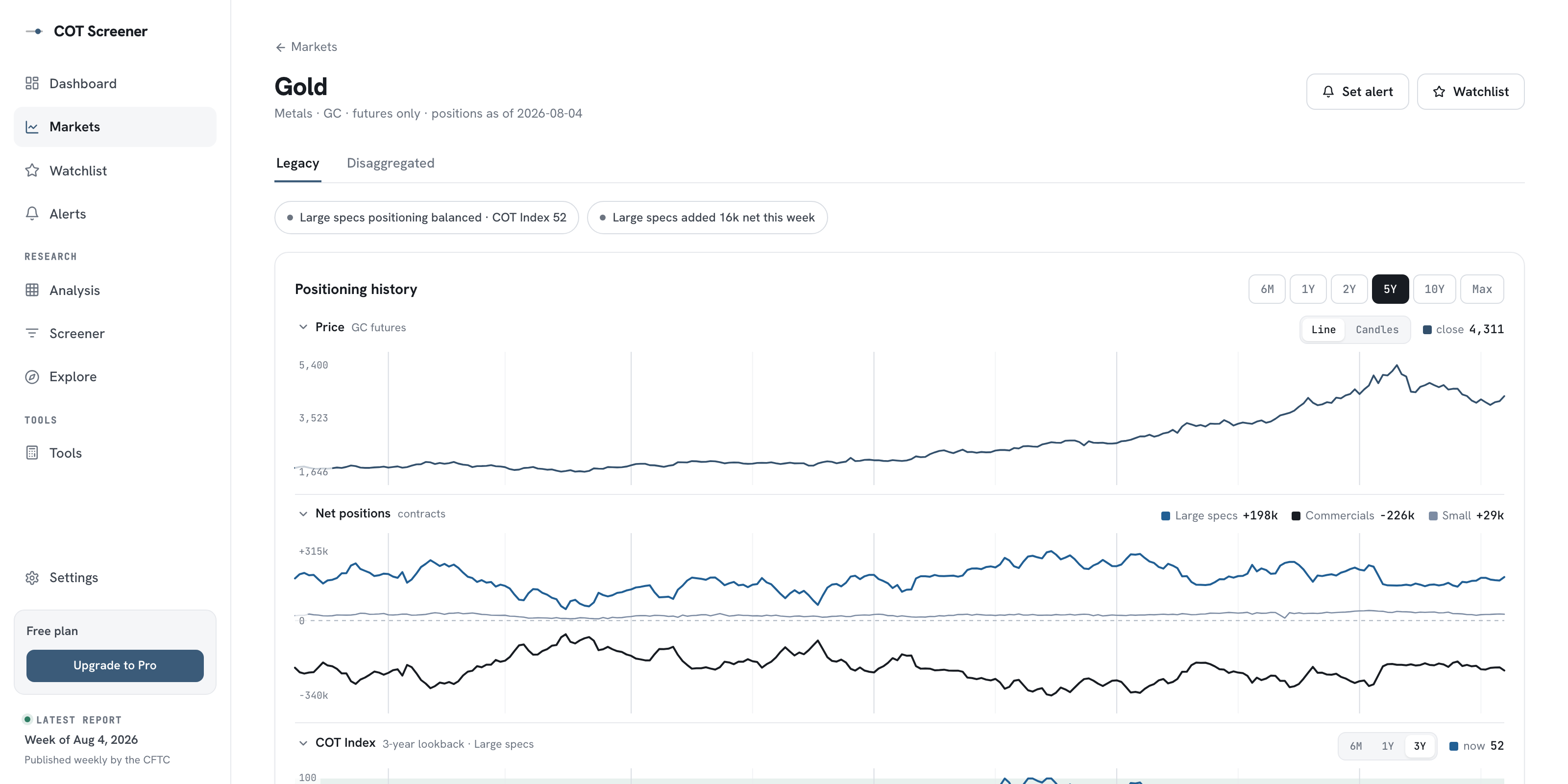
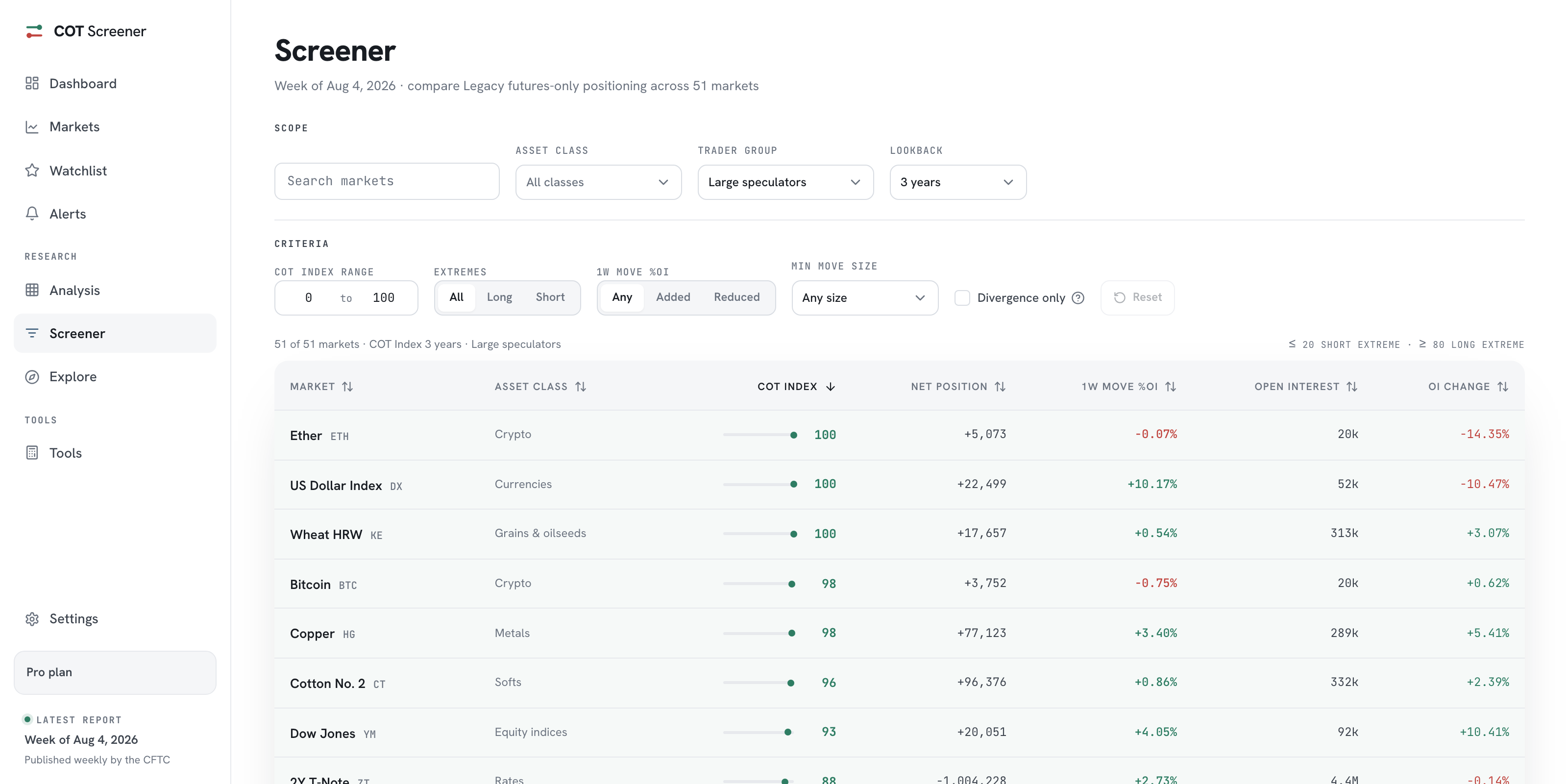
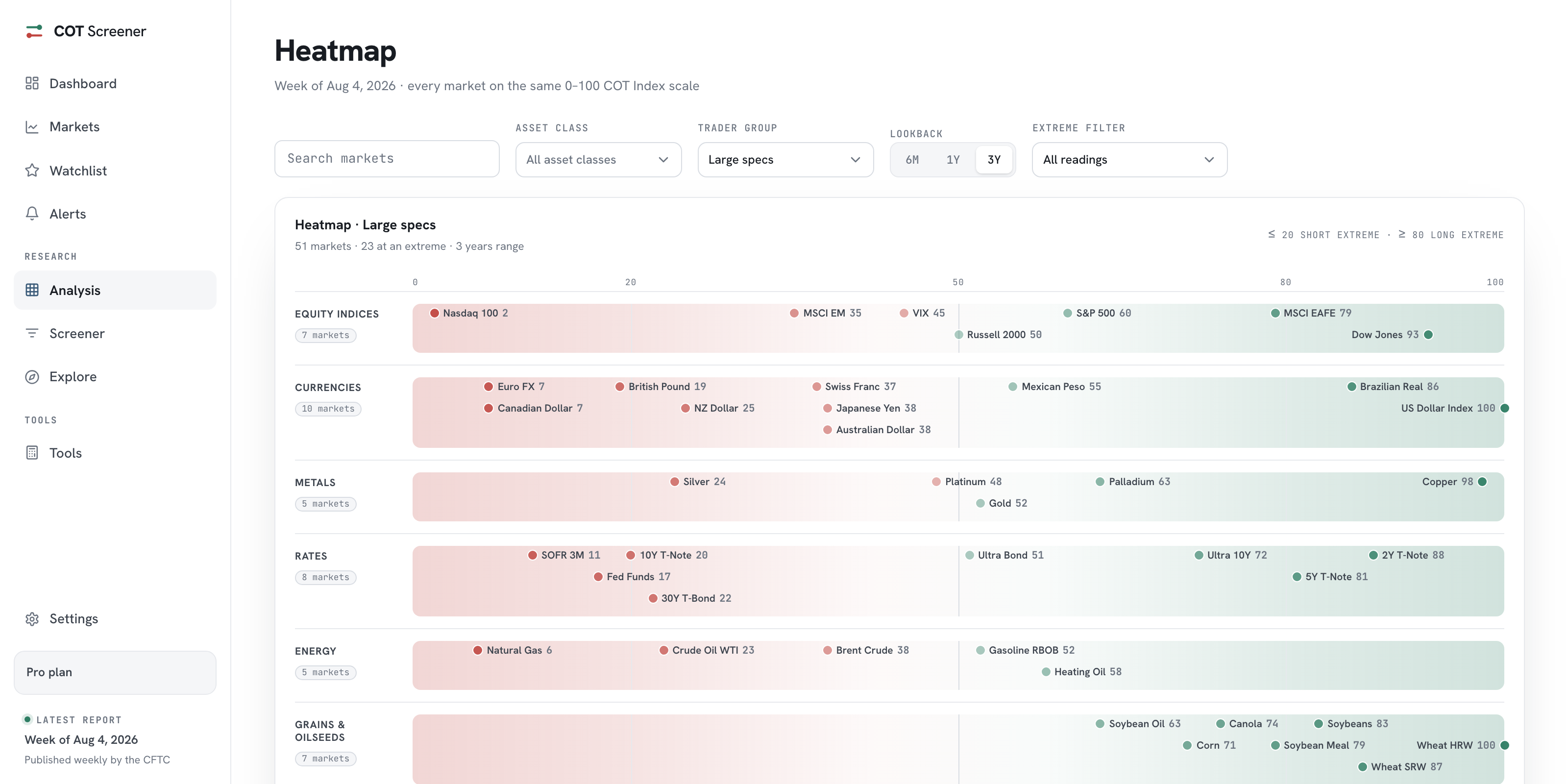
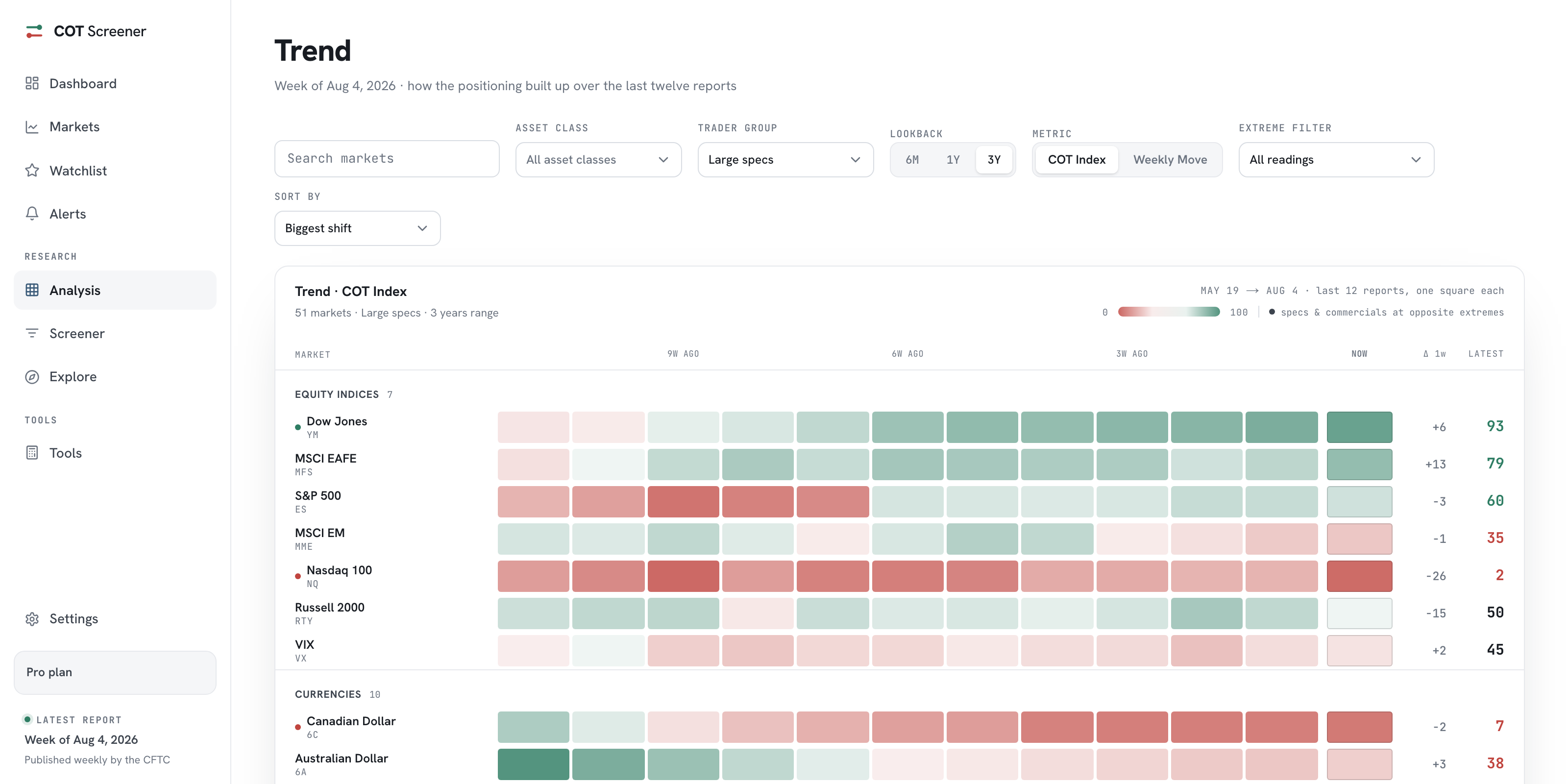
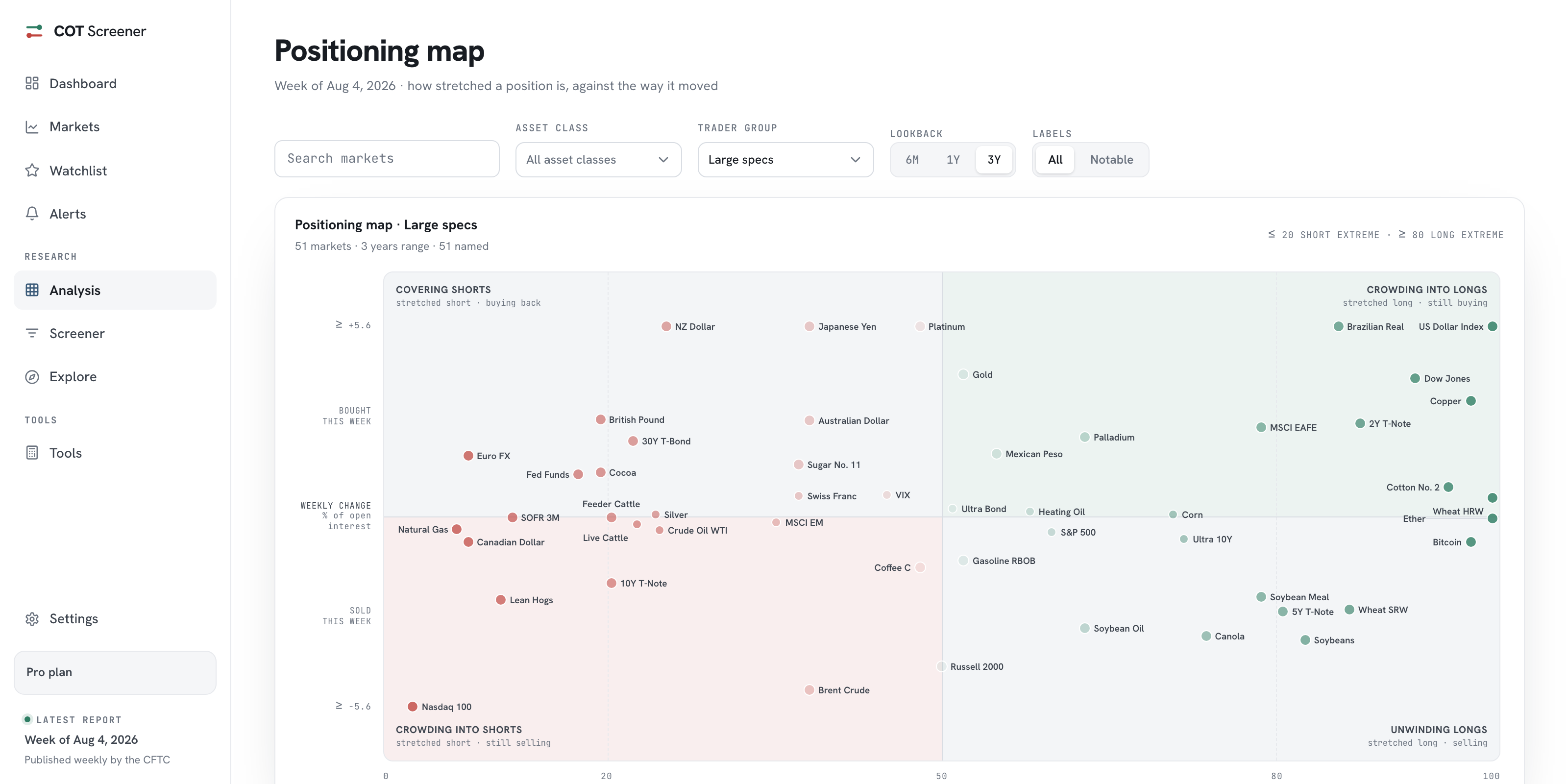
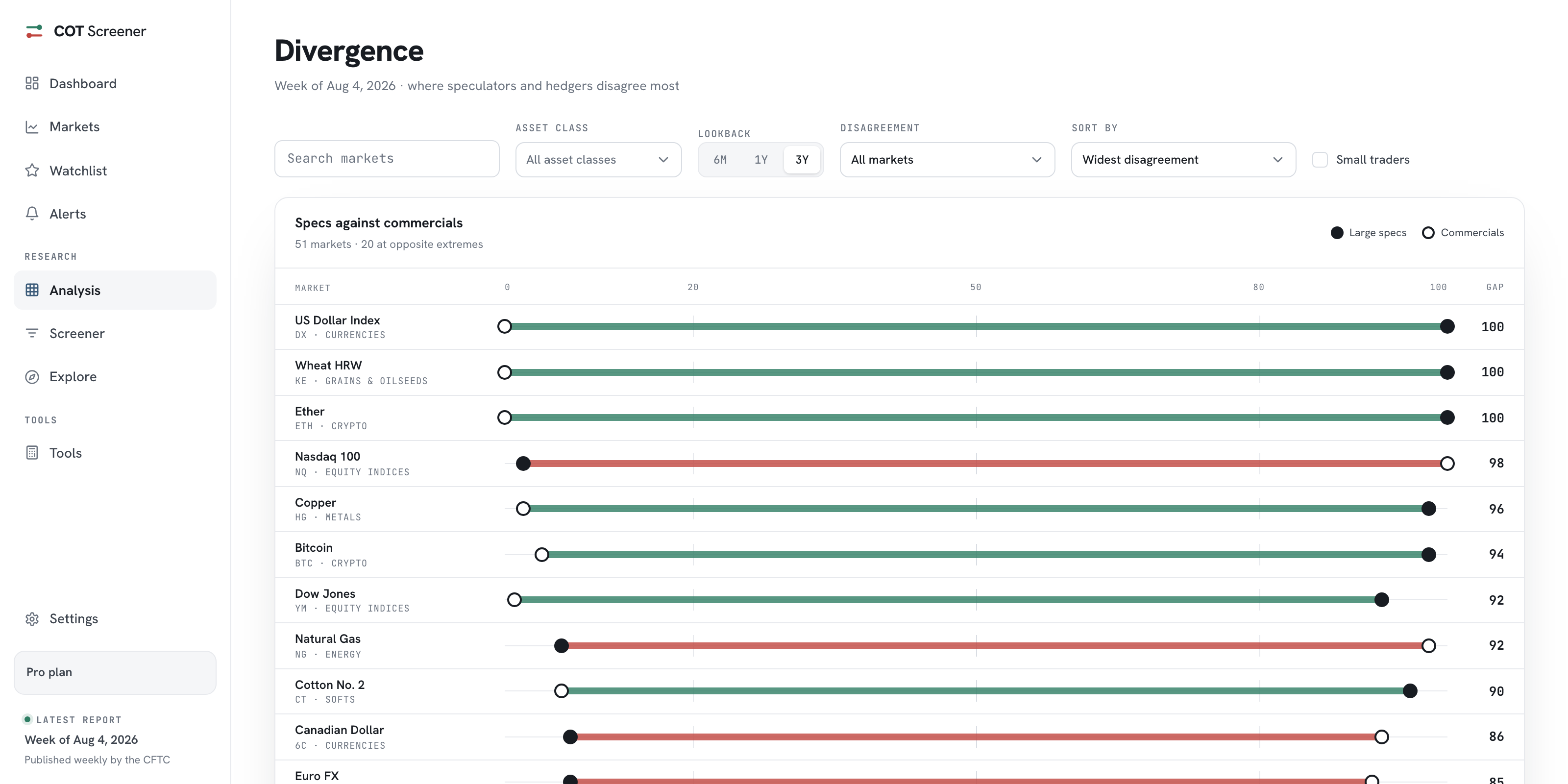
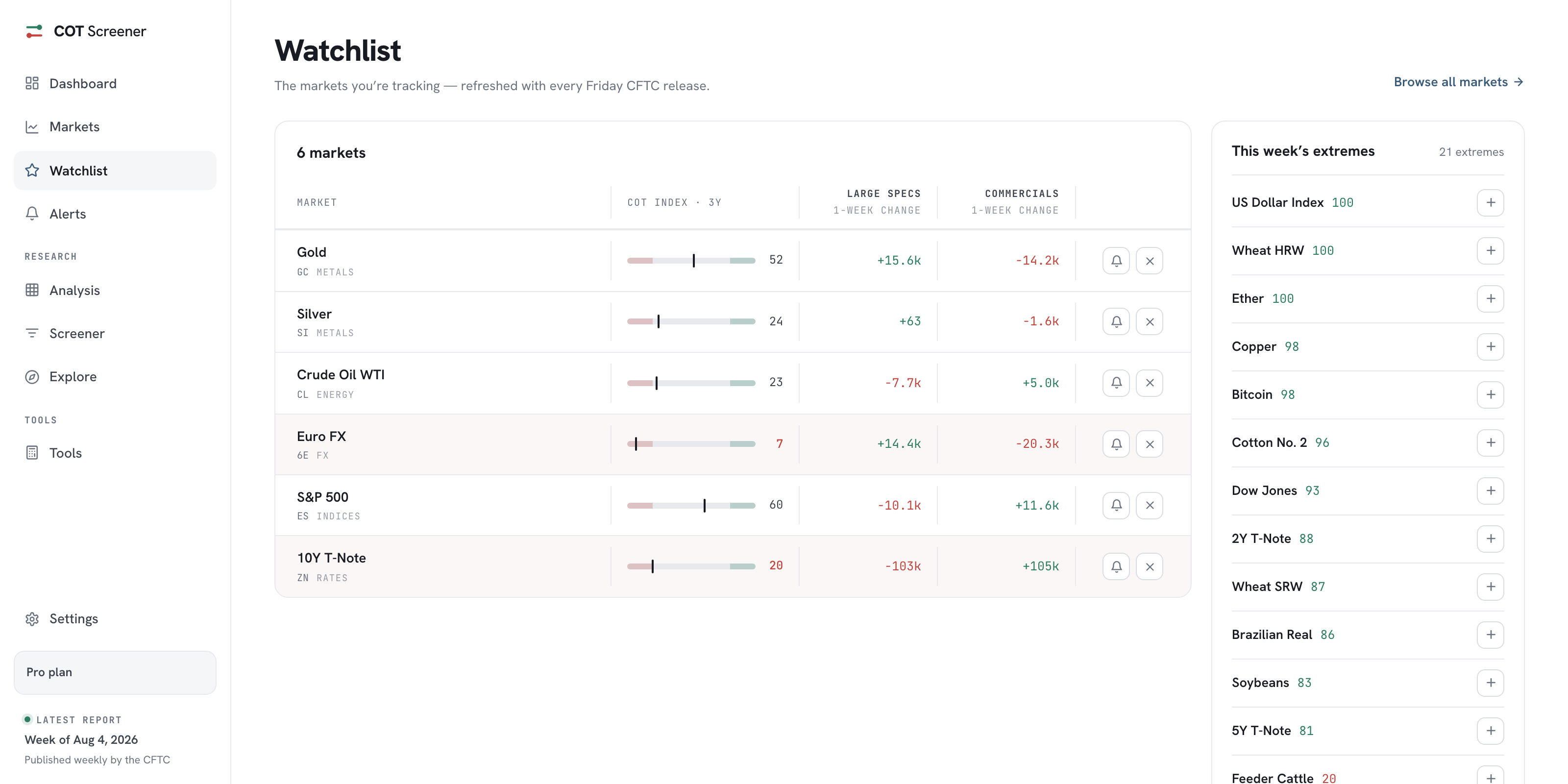
Coverage is a promise with two failure modes. Show everything and the signal drowns. Curate and something someone needs is missing. The app refuses the trade-off by having both pages, each honest about its job. The screenshots show the week of August 4, 2026.
Markets: the curated majors
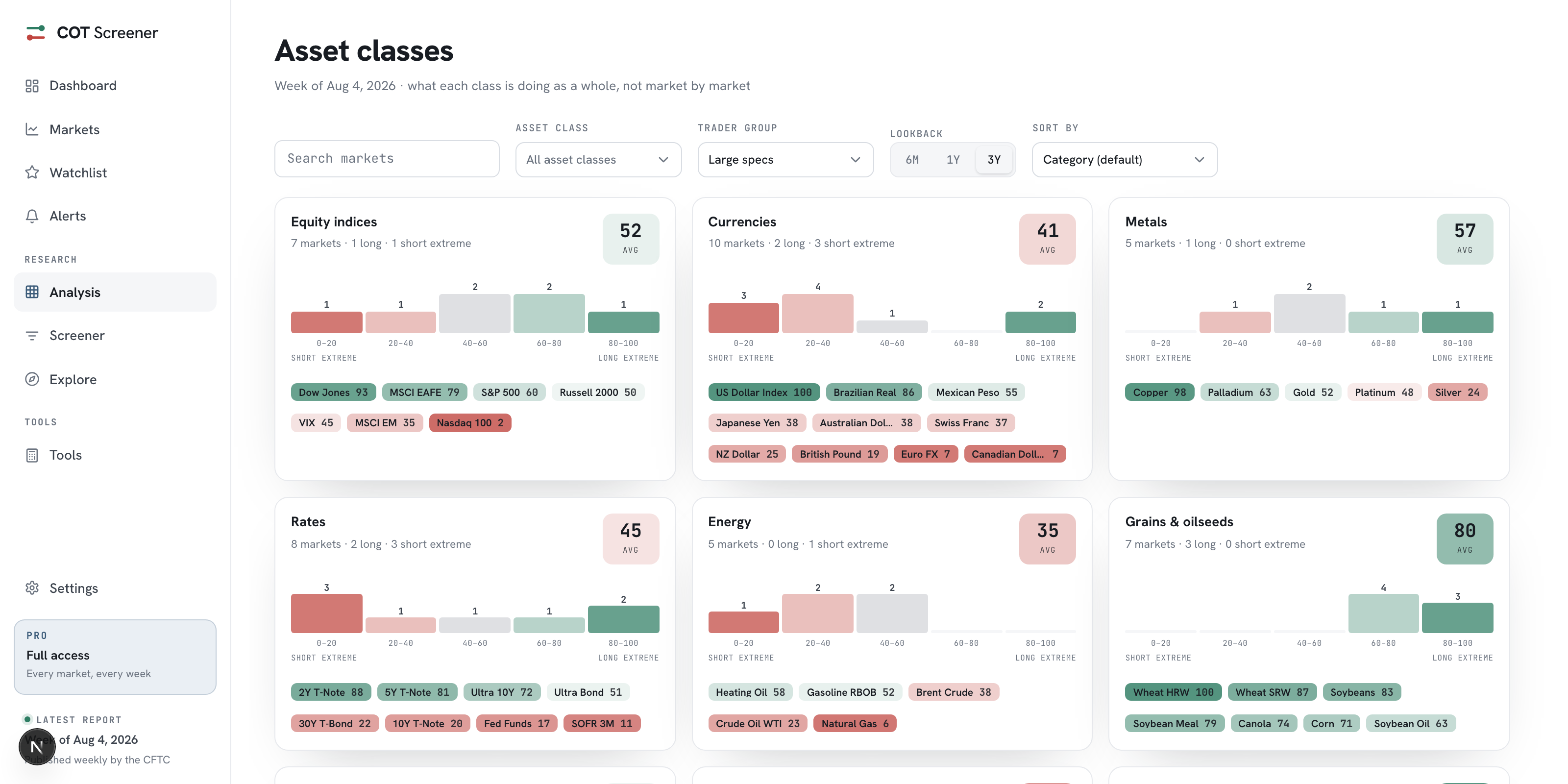
The Markets page carries 51 majors, grouped into boxes by asset class. Nine classes cover the field: equity indices, currencies, metals, rates, energy, grains and oilseeds, softs, livestock and crypto. Every row places the market on its COT Index gauge, and rows at an extreme are tinted. This is the set the screener, the analysis views and the alert picker are built around.
Explore: the complete catalog
Explore is the other half of the promise: every CFTC market that is not on the curated page, in one flat table. No pagination, no hidden tail. In the week shown that meant 305 further markets, from a 7.8 million contract natural gas market to the thinnest basis contracts.
The table is built for finding, not browsing. Search matches names. Tabs cut the list to financial, energy, metals or agriculture. Open interest sorts it, so the liveliest contracts surface first and the long tail stays reachable. Each row opens the same market analysis as a major, on the Legacy report.
Why the split works
Every whole-market view in the app reads the curated set, so its boards stay legible. The catalog stays complete, so a grain trader’s basis contract or a niche currency is never out of reach. And because both doors lead to the same analysis, watching a catalog market or attaching an alert to it works exactly like it does for Gold. The split is presentation, never a data wall.
Common questions
How were the majors chosen?
One test: is this a contract traders actually follow? The set spans nine asset classes, from equity indices and rates to softs, livestock and crypto, and holds the flagship contract of each corner.
Do Explore markets get the full analysis?
Yes, the same market page. Catalog markets use the Legacy report. Watching one or setting an alert works from its page, exactly like a major.
Why is Explore sorted by open interest?
Because it is the honest default for a list this deep. Open interest measures how much of a market exists, so the catalog surfaces its liveliest contracts first and lets search do the rest.
Where does the 360+ number come from?
From the CFTC itself. The weekly release covers every futures market above its reporting thresholds. The intro guide explains what the report is and who is in it.